Put the original review in context
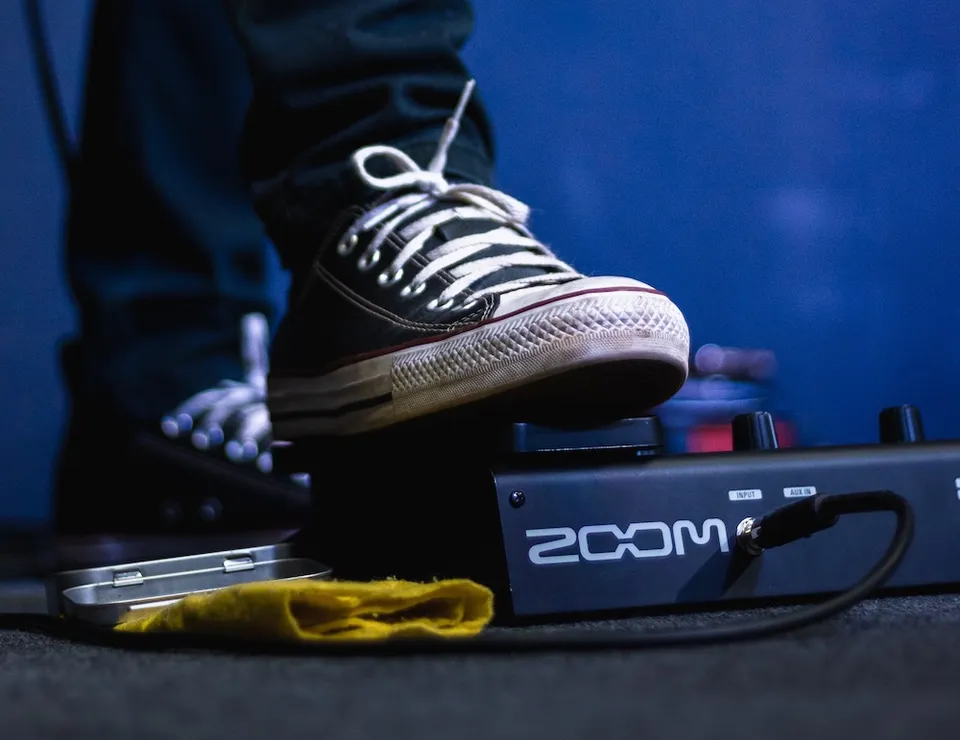
The original article praised an inexpensive way to explore effects, looping and rhythm practice. Its launch-era price comparisons are not reliable buying advice today. A used unit's value depends on condition, included accessories and what alternatives are available at the time. Zoom's G1on product page confirms its discontinued status. Treat it as an older practice tool rather than assuming it has the connectivity, software support or switching functions of a current processor. Check the exact model too: G1on and G1Xon are not identical.
What the manual confirms
The G1on/G1Xon operation manual documents up to five simultaneous effects, rhythm patterns and a looper capable of phrases up to thirty seconds. Those features can support useful practice without a large pedalboard. The key is to choose one task at a time. A tuner helps prepare the instrument; a rhythm pattern can reveal uneven timing; a loop lets you hear a melody against your own accompaniment. Having several tools in one box is convenient, but learning their controls remains part of using them well.
Build a simple sound first
Begin with a restrained clean patch rather than jumping between dramatic presets. Set a comfortable output level and check the destination: an amplifier and headphones may call for different choices. Add one effect, listen to what changes, then save the result under a recognisable name. If several effects are active, switch them off individually to understand their contribution. A modest amount of delay or modulation can be easier to learn from than an extreme sound that hides inaccurate fretting. Keep a plain reference patch for checking your basic tone.
Use the rhythm and looper deliberately
Choose a slow, steady rhythm and play a short chord progression without rushing the changes. When recording a loop, practise entering and closing it on the intended beat. A badly timed loop will repeat its mistake, so start again rather than learning to play around an accidental gap. Once the accompaniment is stable, add a simple melody and listen for notes that clash or disappear. The goal is not to make a complicated production. A clear four-bar backing can teach timing, listening and phrasing more effectively than a long unfinished loop.
Inspect a used example
Check the display, buttons, footswitches, sockets and battery compartment for damage or corrosion. Ask the seller to demonstrate that settings can be changed and saved and that the audio remains stable when cables are moved gently. Confirm the correct power arrangement in the manual; do not connect an arbitrary supply because its plug fits. Listen for unwanted noise with a known-good cable. Check which accessories are included and whether you can return a faulty unit. A low advertised price does not make a non-working processor a useful beginner purchase.
Decide whether it solves your practice problem
If you already have a working G1on, you do not need to replace it simply because it is older. Learn a clean sound, one useful lead sound and the practice functions you actually need. If buying now, compare the total cost and usability with available alternatives rather than relying on the original review's enthusiasm. Try the interface before deciding. Our multi-effects and stompbox comparison can help you decide which format fits your routine. The best purchase is the one that gets used to make music.
Related recordings
These accompanying recordings offer listening examples. Equipment demonstrations reflect their original context; follow the guidance for your own instrument and equipment.